
 Download
Hit points
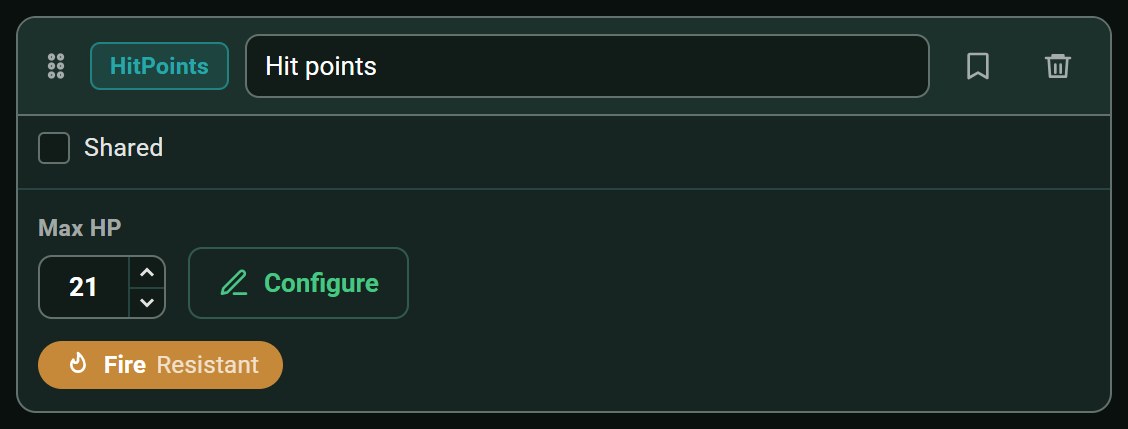
Current and maximum hit points. You can also define your system's damage types, the creature's resistances, temporary hit points and, if your game uses them, negative hit points.

DiceCombats helps you manage combat during your tabletop RPG sessions, regardless of the game system you use. Build creatures with the fields you need, track initiative and hit points during combat, and let the app handle the rest: damage resistances, combat logs, and automations with other applications.



DiceCombats is for game masters who have never found a tool that quite fits their table. Nothing in the app assumes a particular game system.
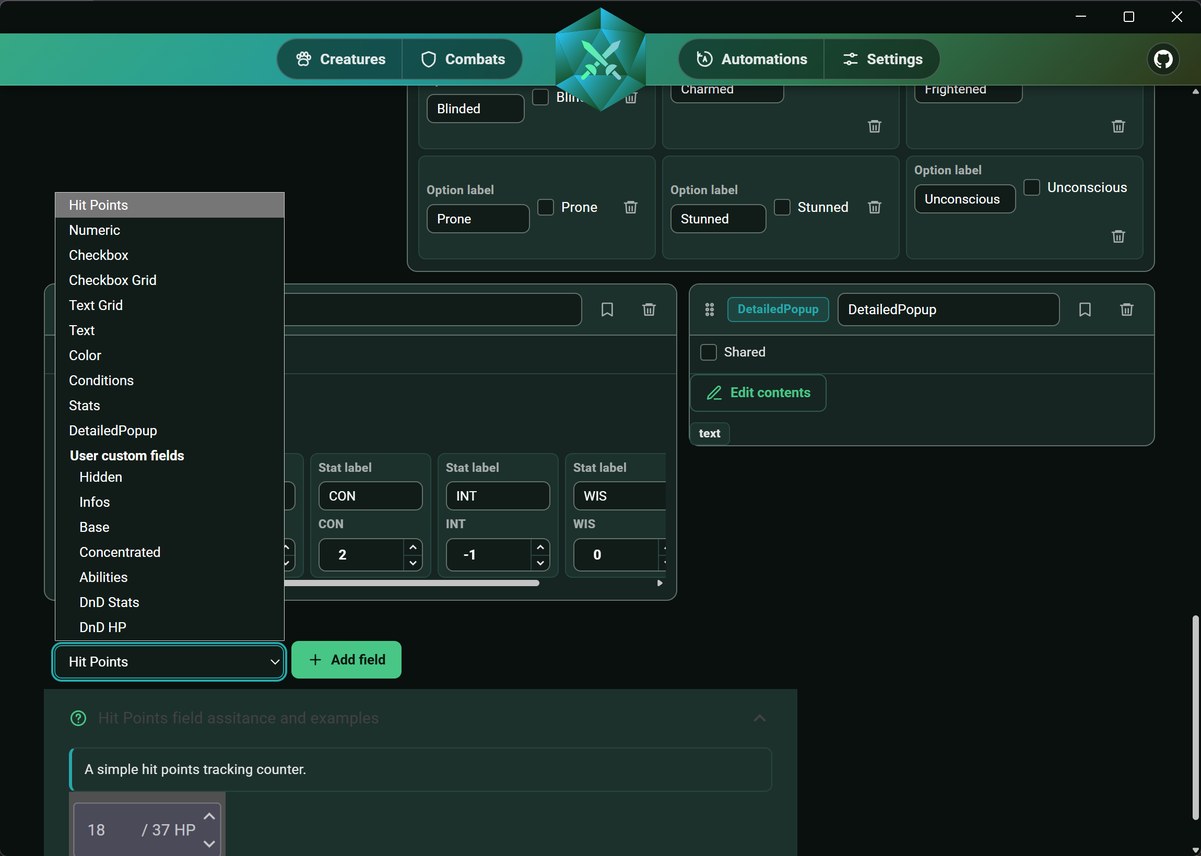
A creature is built from the fields you choose to add. Ten field types are available: hit points, numbers, text, checkboxes, grids, stats, conditions, colours, and detailed pop-ups. Once a field is configured, you can save it as a custom field and reuse it on any other creature.
Your creatures and player characters are stored in the same searchable list and can be reused in any combat. You can also organise players into groups, so the whole party can be added to a combat in one click.
If you play D&D, you can paste the URL of a monster page from aidedd.org and import its stat block directly, whether it uses the 2014 or 2024 format. Spell links open inside the app, so you do not need to leave it during combat.
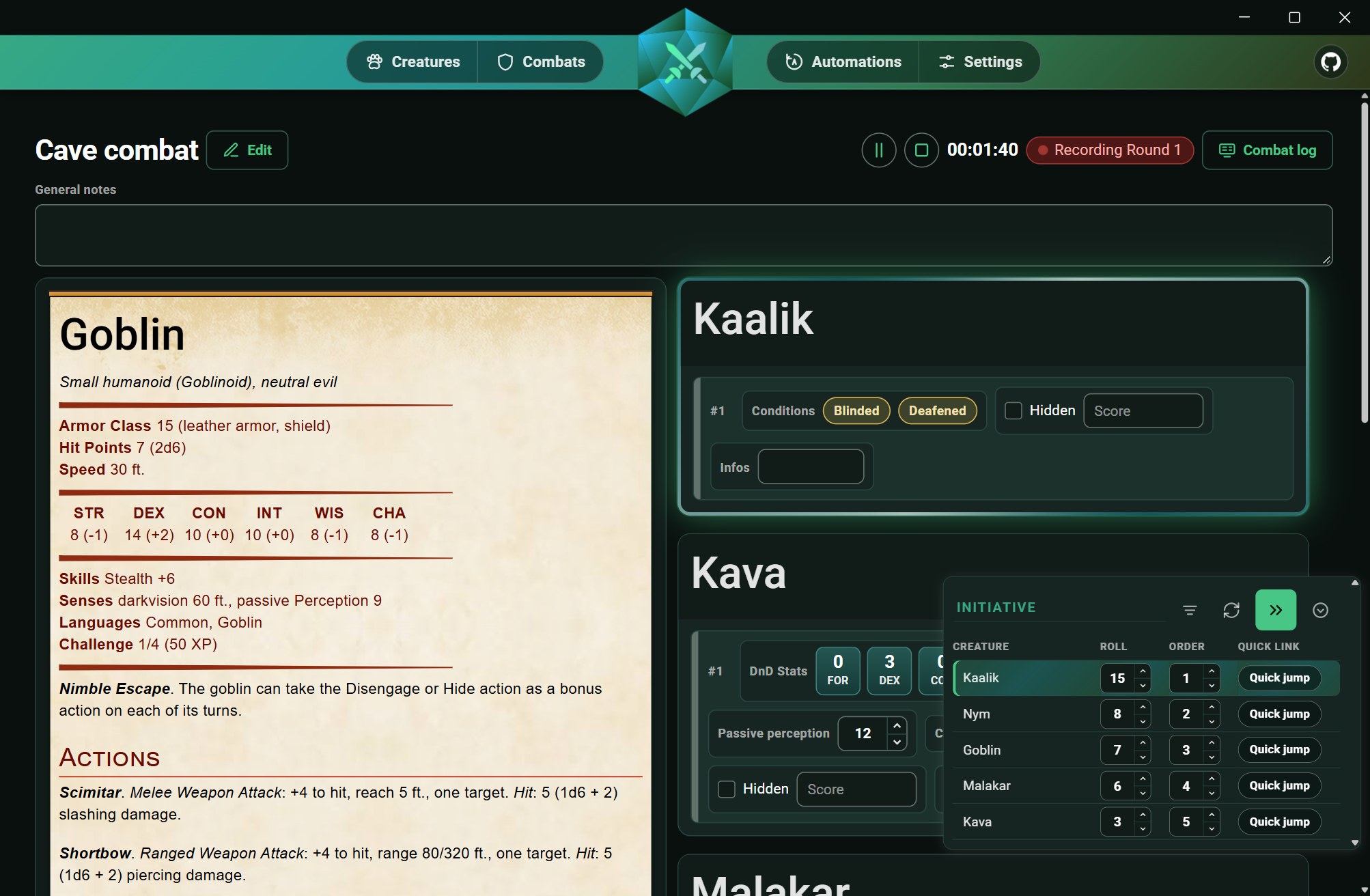
During combat, roll initiative, sort the turn order, and jump directly to any creature in the list. A timer keeps track of the fight, you can keep general notes, and each instance of a creature keeps its own values.
Define the damage types used by your system, then set each creature's resistances, immunities and vulnerabilities. Attack properties such as magical damage are taken into account, along with temporary and negative hit points. When you apply damage, the app calculates the actual amount and shows you the full breakdown before you confirm it.
Everything that happens during combat is recorded: damage dealt by each creature, damage taken, the breakdown by damage type, and round-by-round progress. You can review the statistics afterwards and export the session as JSON.
Combat events can trigger HTTP requests to any external application. Choose a trigger, apply filters if needed, and build a sequence of requests with optional delays.
Export your creatures and combats to share them with other game masters, then import them again when needed. The interface is available in English and French on Windows and Android. DiceCombats is free and open source under GPL-3.0.
Custom fields are at the heart of DiceCombats. A creature does not use a fixed sheet: you add the fields you need and configure them for your game system. Below are all available field types, with their configuration and how they appear during combat.
Current and maximum hit points. You can also define your system's damage types, the creature's resistances, temporary hit points and, if your game uses them, negative hit points.
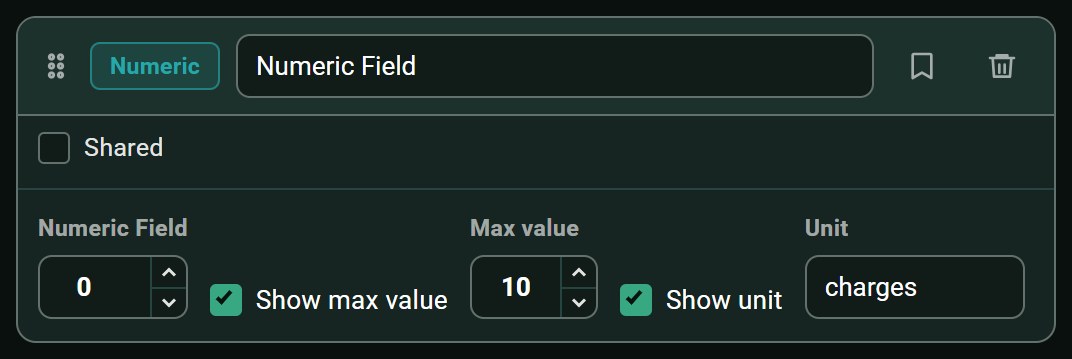
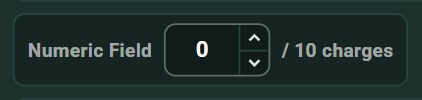
A simple number with an optional maximum and unit. Useful for armour class, mana points, ammunition, or anything else you need to track.
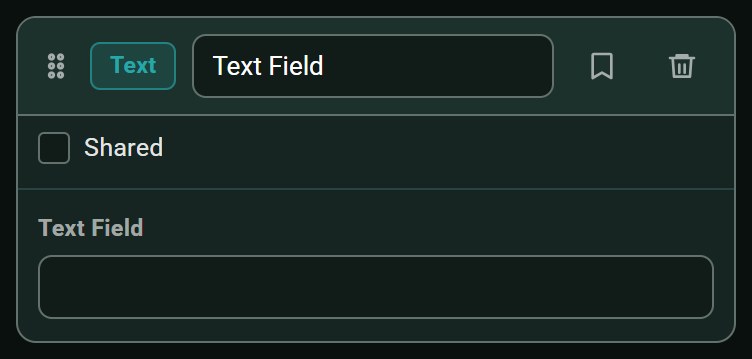
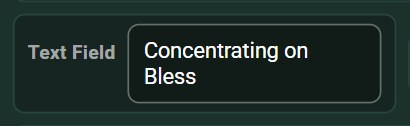
A free-text field, either single-line or multi-line. Useful for notes you want to update during combat.
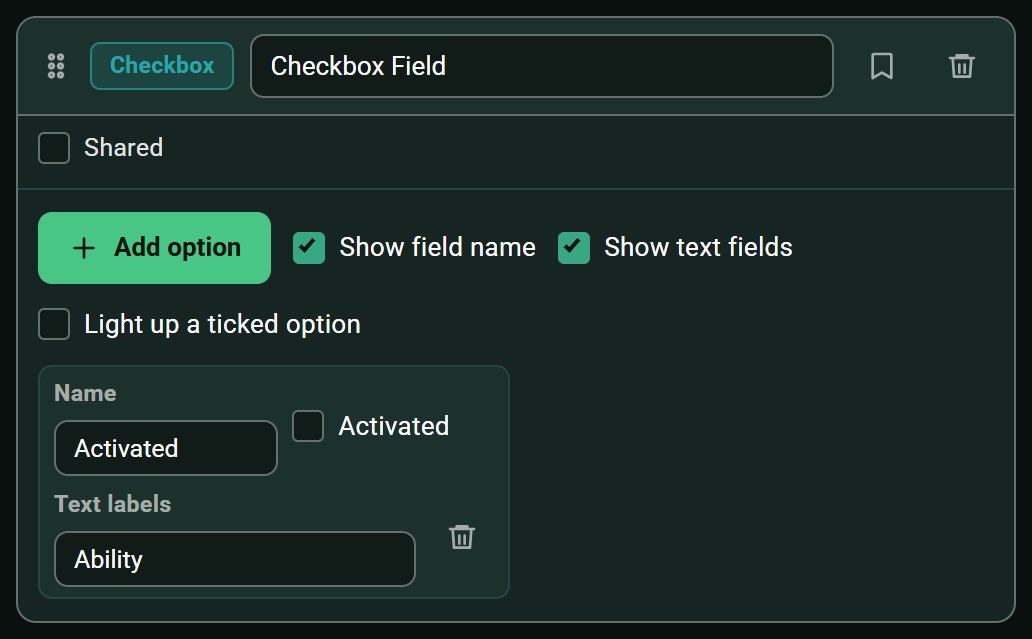
A list of checkboxes with labels you define. Useful for legendary actions, spell slots, wounds, or exhaustion levels.

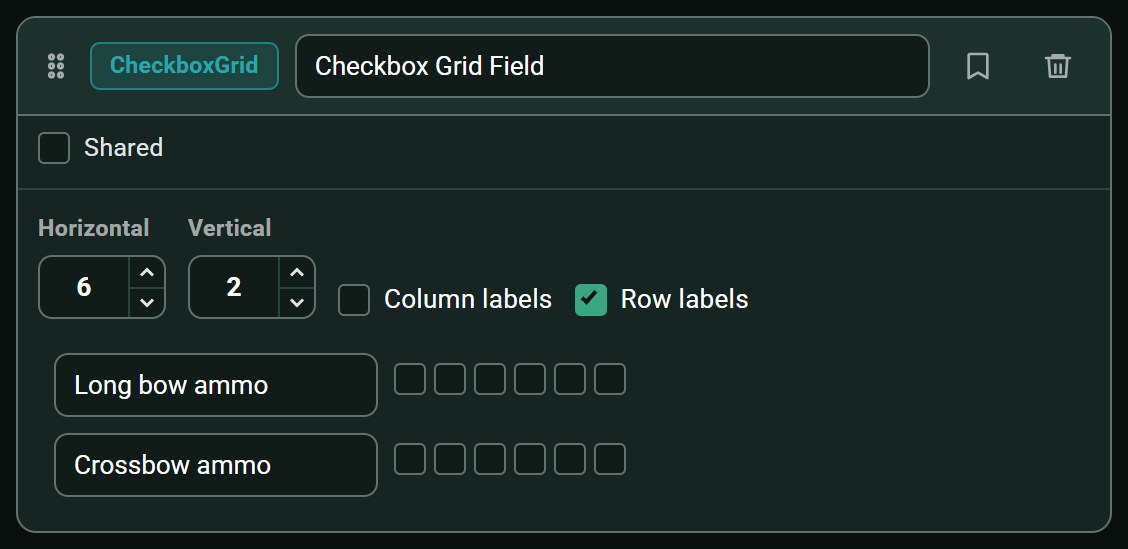
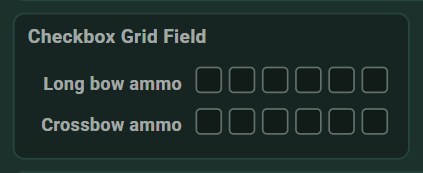
Checkboxes arranged in rows and columns. Useful for spell slots by level or ammunition by weapon.
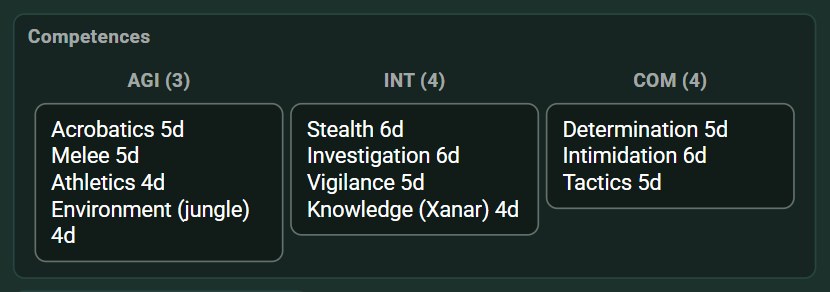
A small table you can fill in however you like. Useful for attacks with their bonuses and damage, equipment, reactions, or similar structured information.
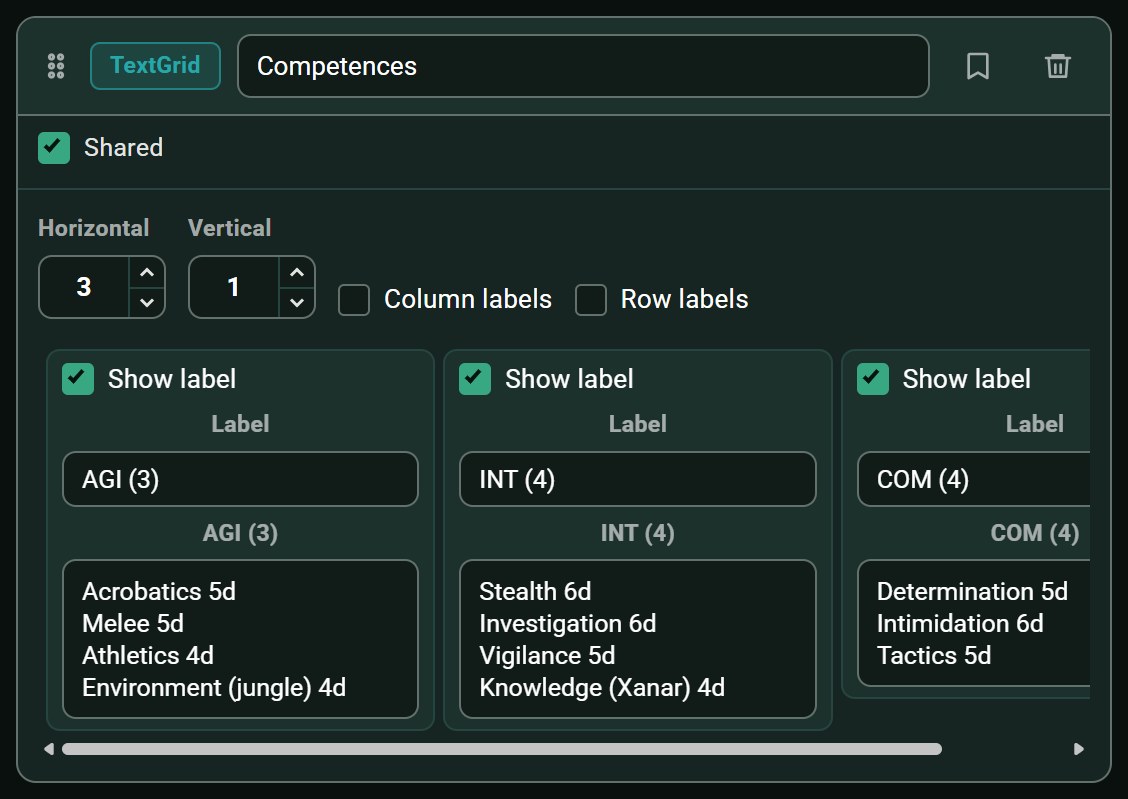
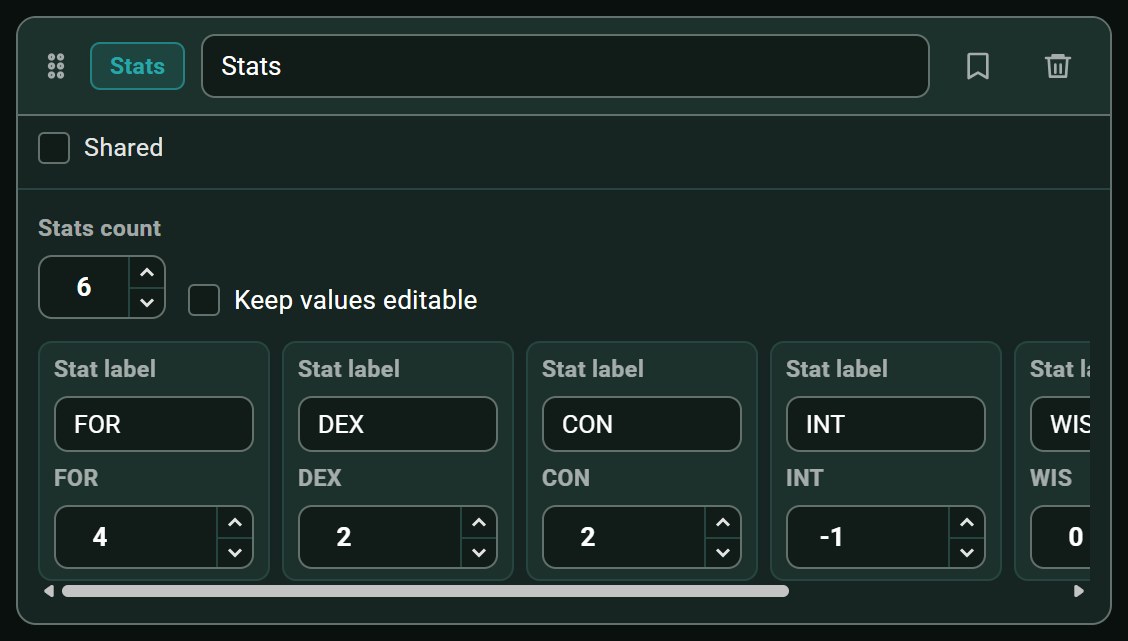
A row of labelled values. Useful for D&D's six ability scores or any set of attributes in your system.

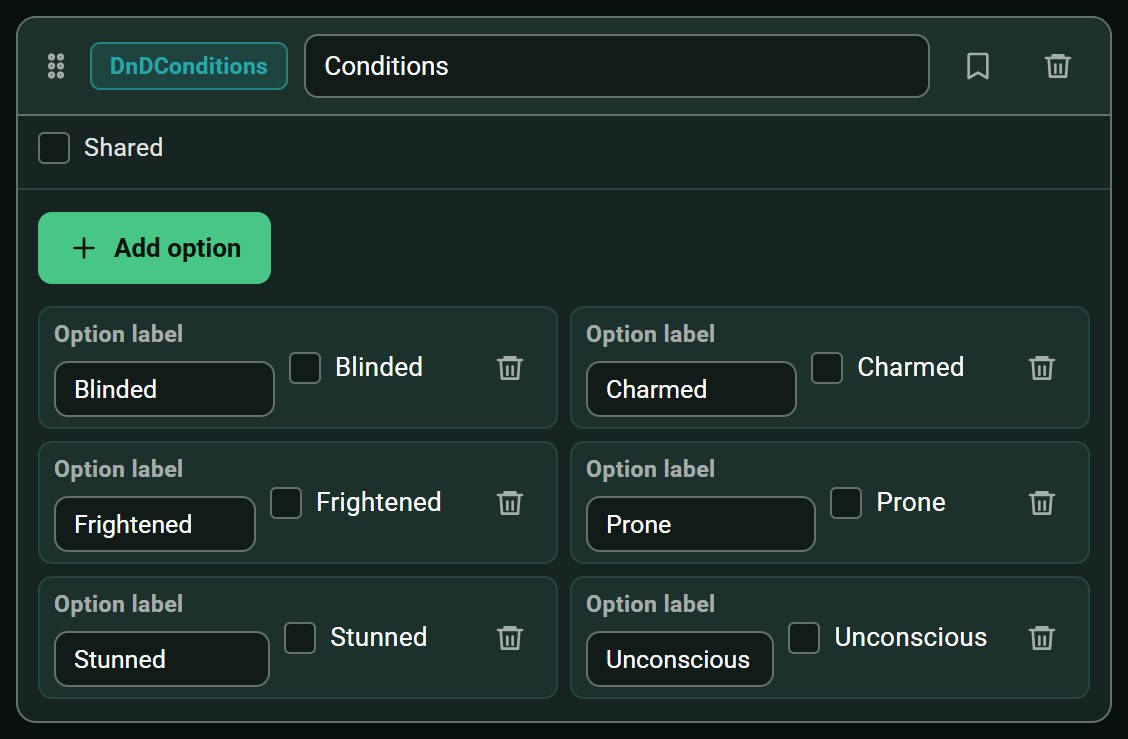
The conditions used by your game, which you can add or remove during combat. They are displayed directly on the creature card.

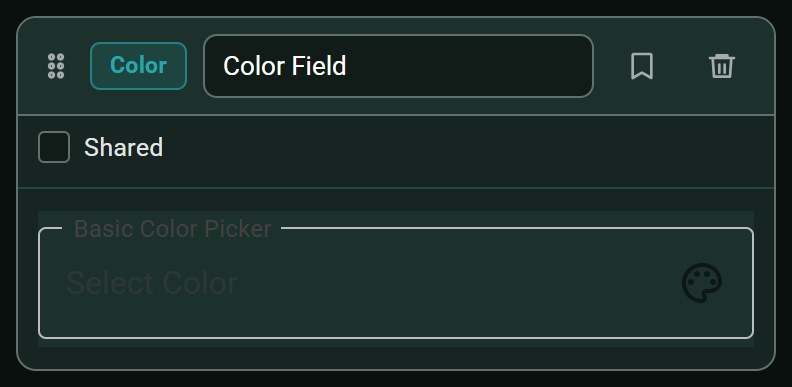
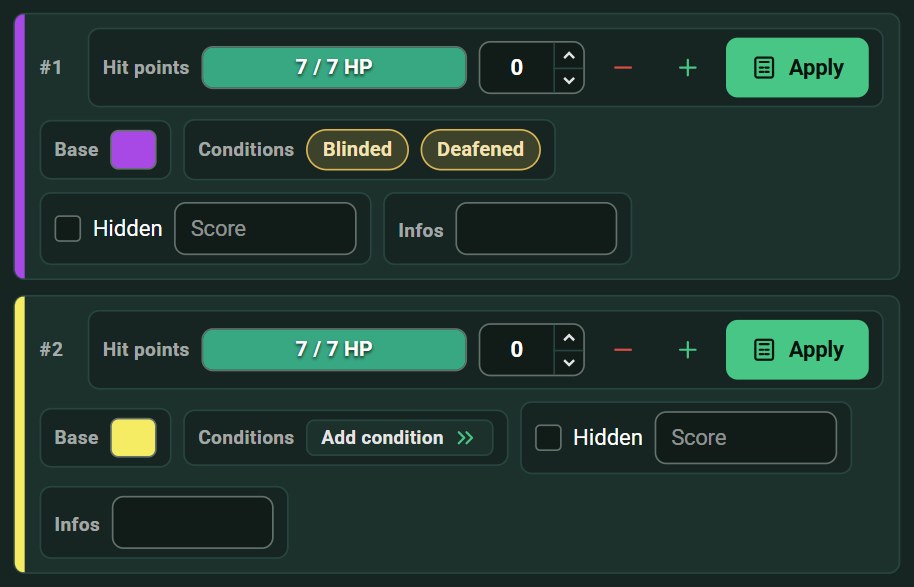
A colour assigned to a specific instance of a creature in combat. For example, match it to the colour of the miniature's base on your table, so you always know which of the four goblins is which.
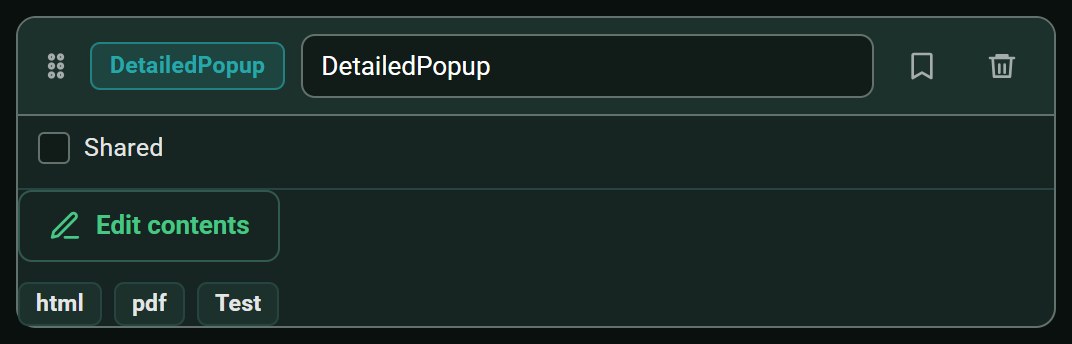
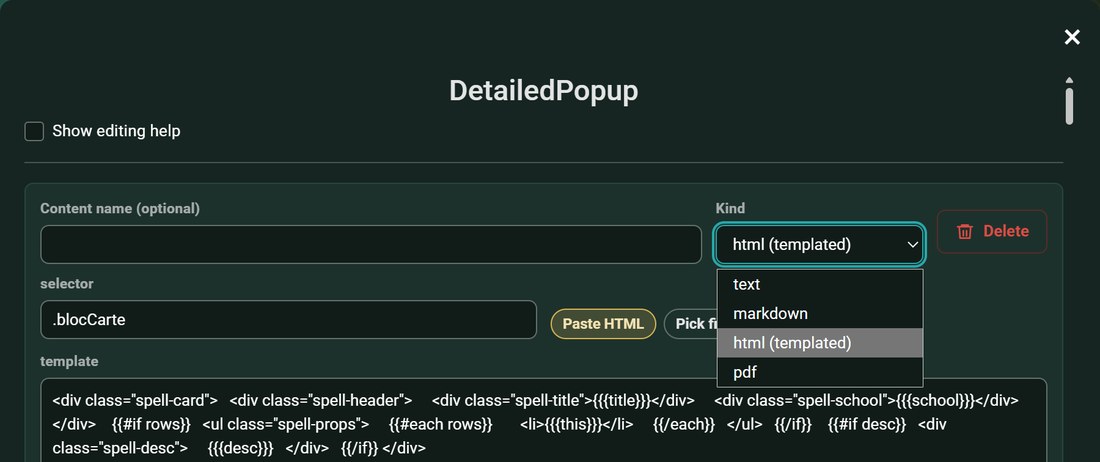
A button that opens a window containing text, Markdown, templated HTML, or a PDF. Useful for spells, abilities, or any longer description you do not want permanently displayed on the card.
A few screenshots of DiceCombats in use.
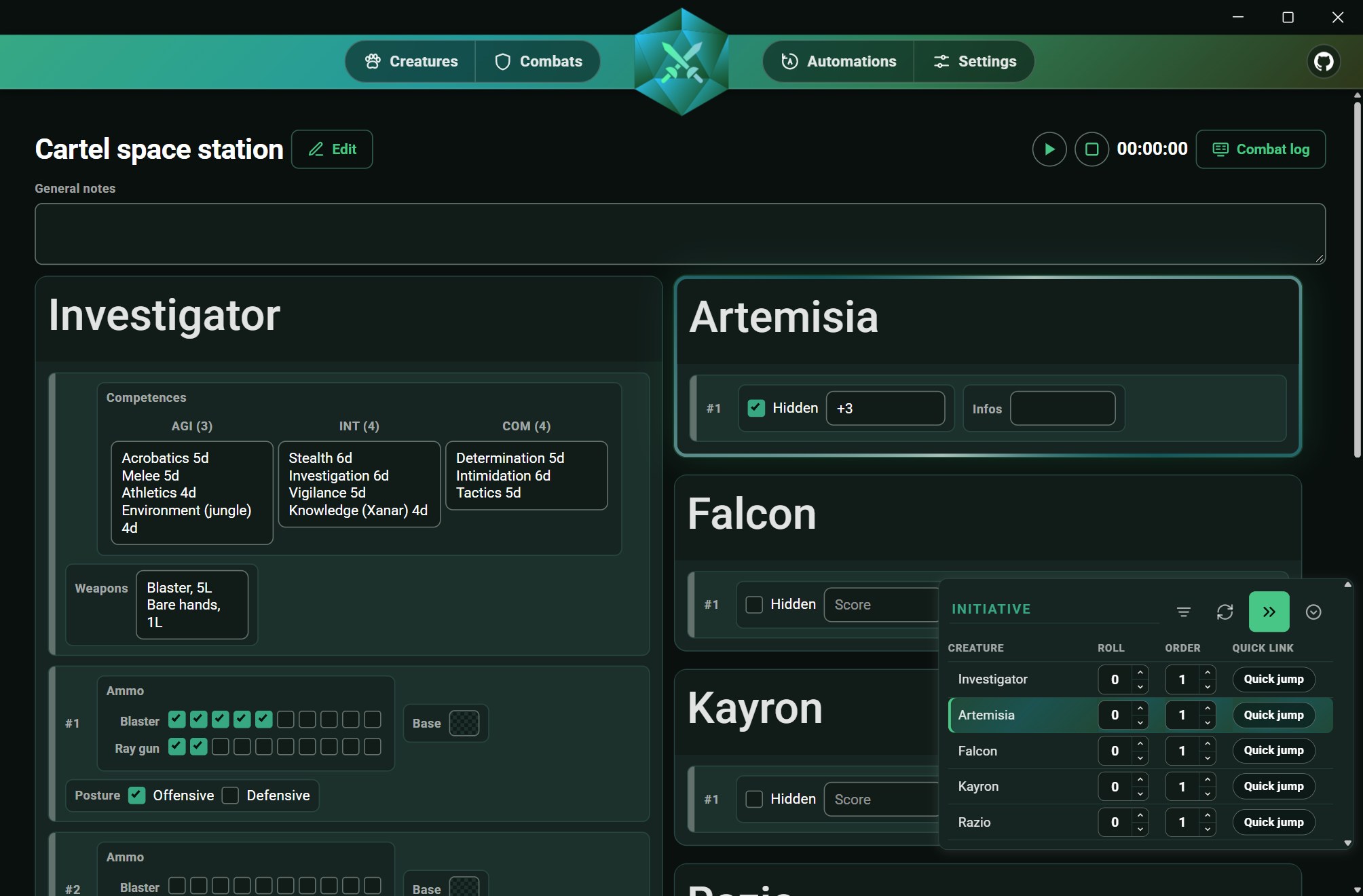
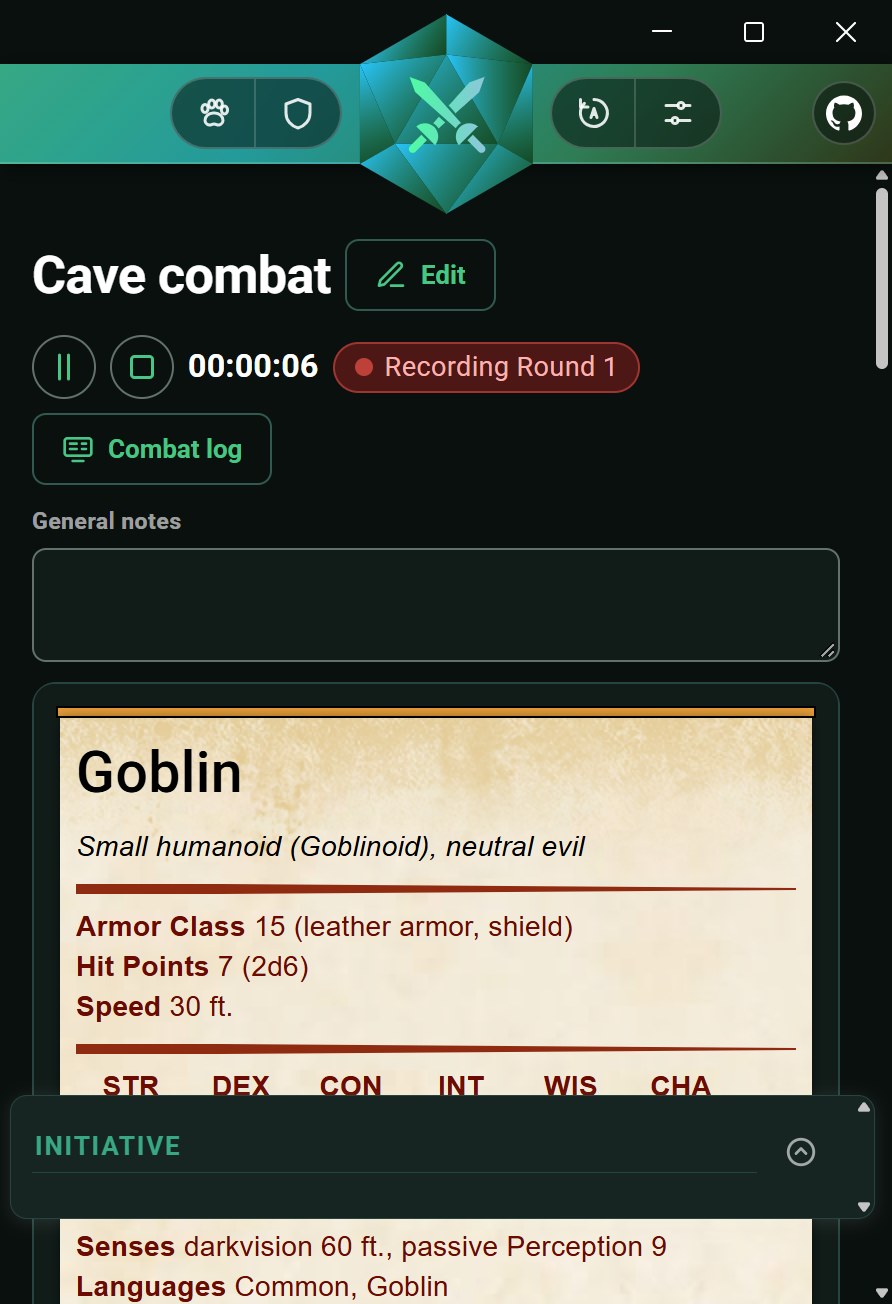
This is where you spend most of the session. Creature sheets and their custom fields remain visible, while the initiative window floats above them. Start the timer, jump to the creature whose turn it is, and keep your notes at hand.
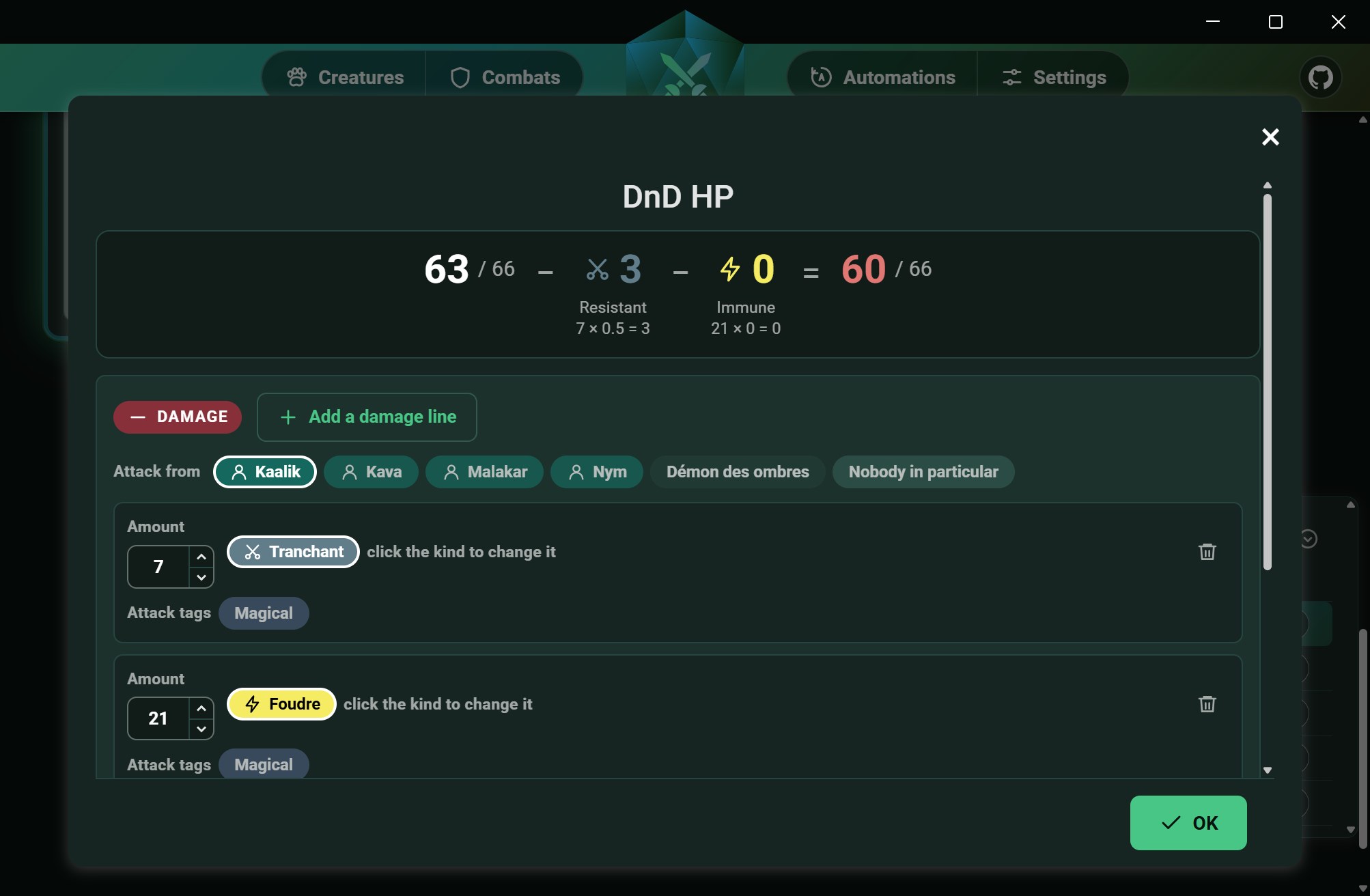
When applying damage, enter each part of the attack, select the creature dealing it, and review the result before confirming. The calculation breakdown is shown below the final value, so you can always see exactly how it was resolved.
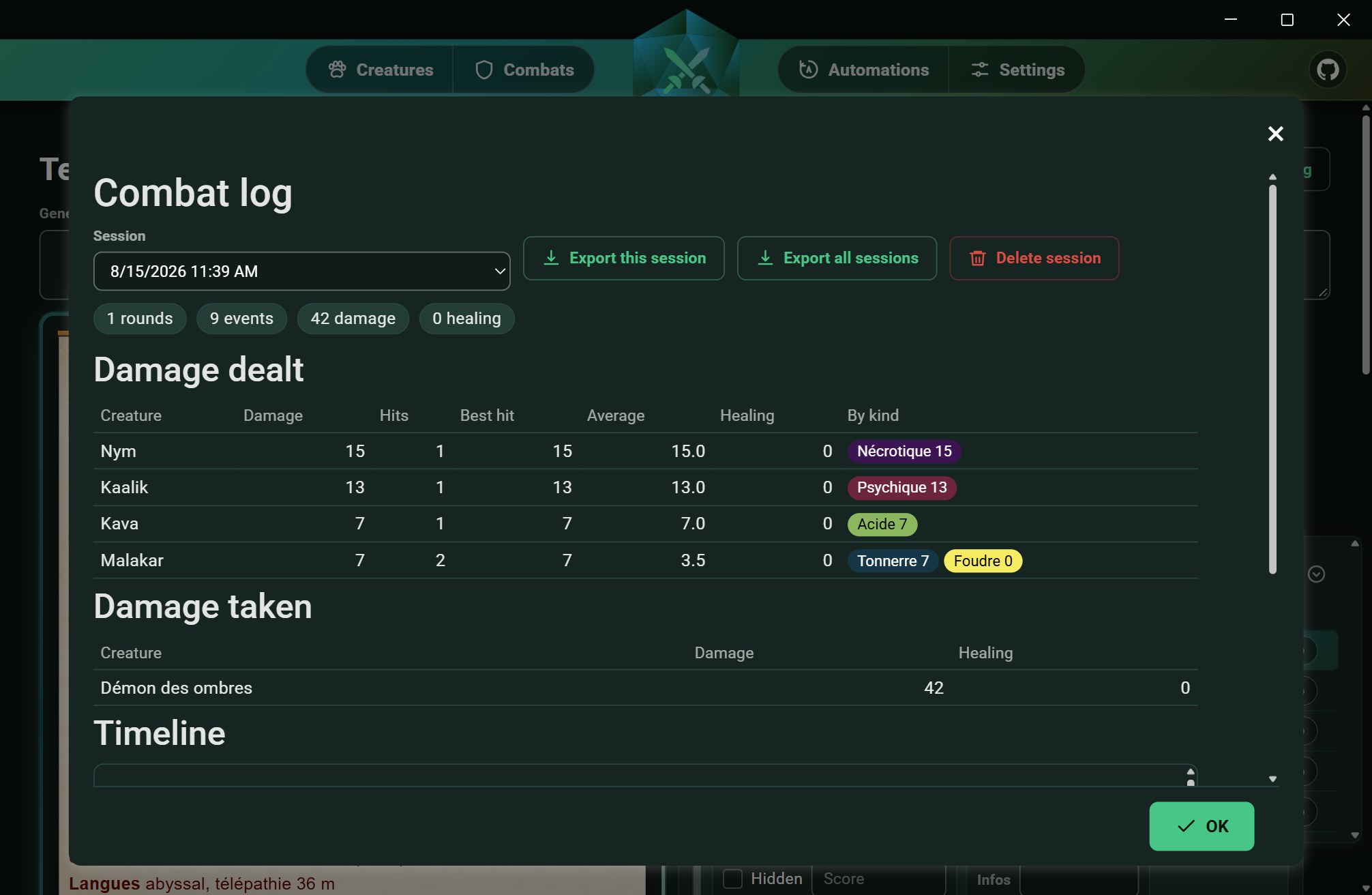
Each combat creates a recorded session. You can review damage dealt by each creature, including its highest hit and average damage, the breakdown by damage type, damage taken by each target, and a round-by-round timeline. Sessions can be exported as JSON together with their statistics.
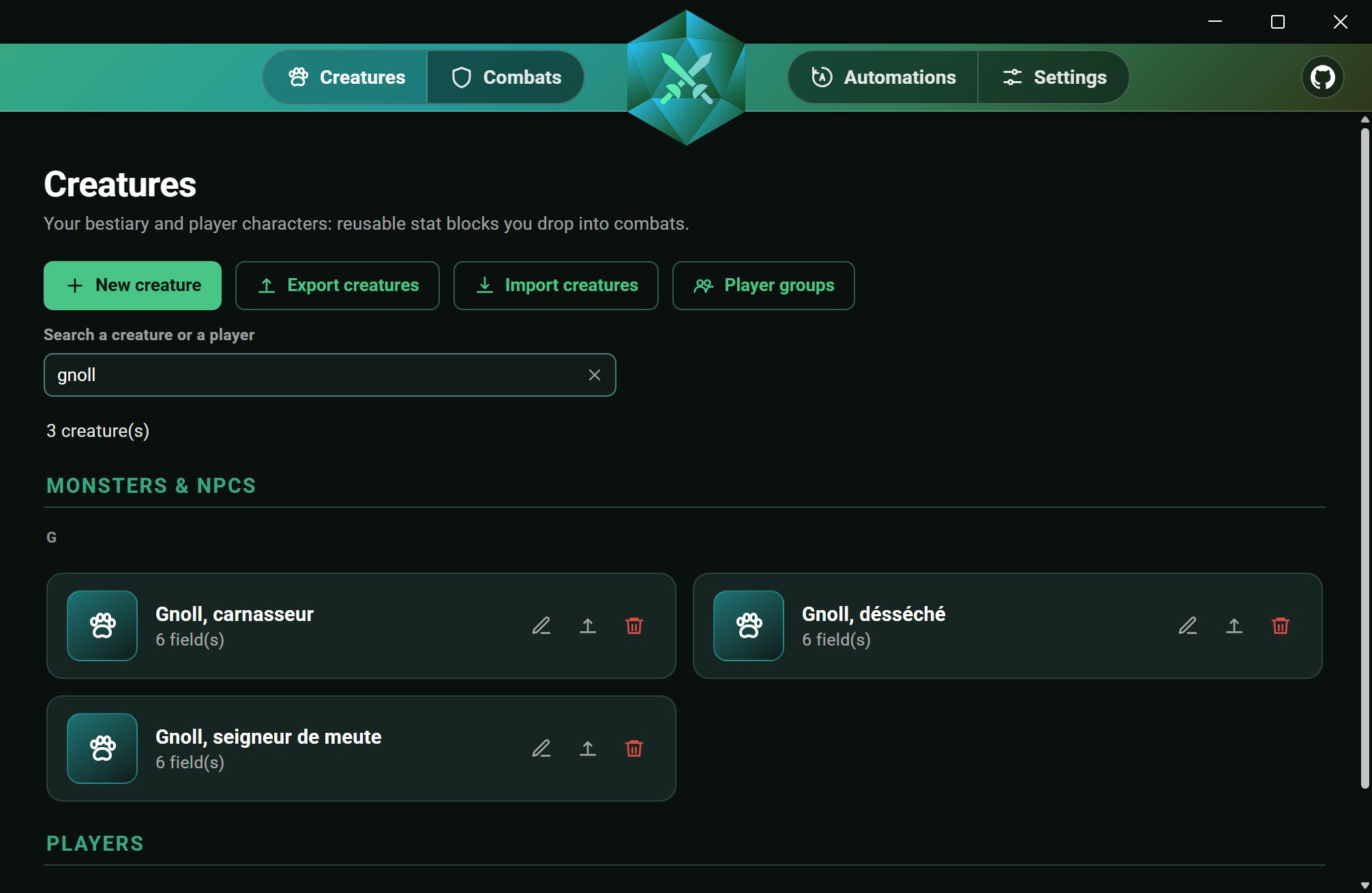
All your creatures and player characters are kept in one searchable list, grouped by initial. From here you can import and export creatures and manage your player groups.
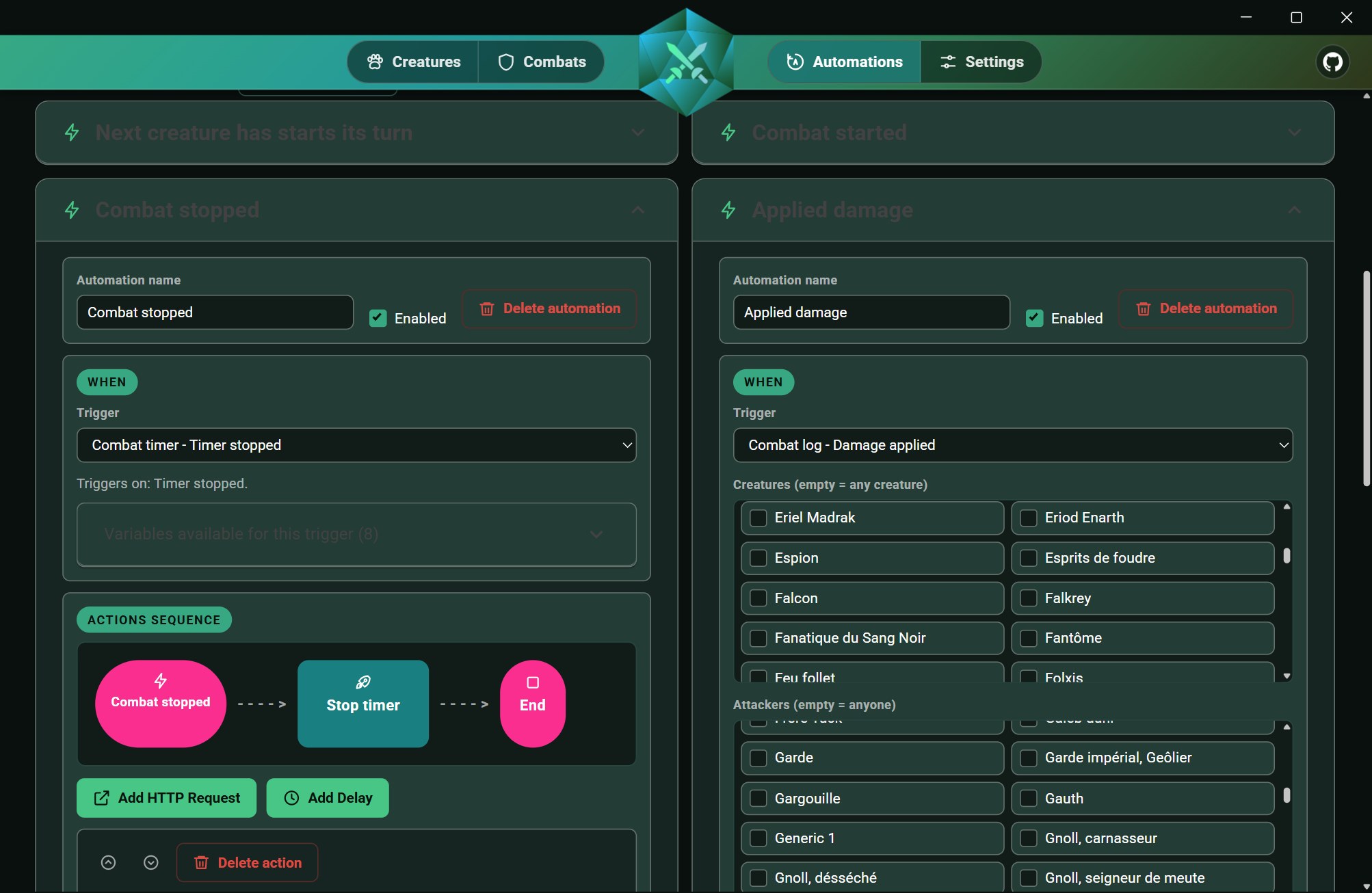
DiceCombats can trigger HTTP requests to any external API. For example, you can play a sound or trigger a lighting effect when a player deals damage, or change the lighting around the table as turns change. Choose a trigger, filter it by attacker or damage type, and send an HTTP request using values from the event. More complex sequences can combine several requests with delays between them. The editor lists all variables available for each trigger.
The app uses a responsive layout and is available for Android as an APK. Android support is currently experimental, and some views may still have limitations.
Your creatures, combats and settings are kept on your device, or on Windows in a folder of your choice.
Export a combat with the creatures it uses, a list of creatures or your whole library, and give the file to another game master. When you import a file, you choose what to do with each item you already have.
DiceCombats backs up your data every day and before every import or restore. You can restore any of these backups from the settings.
On Windows, your data can live in a folder of your choice, for example one that OneDrive or Dropbox keeps in sync, so that you find the same creatures and combats on each of your computers.
DiceCombats is part of Dice, a family of free, open-source apps I write for my own game table and share with other game masters. Each app covers a different part of running a tabletop RPG, and they all follow the same principles: no installer, no account, your data stays on your machine, and they talk to other programs over HTTP.
Manages the sound at your table: a library of music, ambiences and sound effects, layered scenes that crossfade from one context to another, and scenarios covering a whole session. Its local API can receive requests from DiceCombats automations, for instance to play a sting on a critical hit. You set up the link yourself, in the settings of both apps.
Visit the DiceAudio pageNo installer and no account are needed. DiceCombats stores all its data locally on your device, in a folder you can choose on Windows.
You need the .NET 10 SDK and the MAUI workloads installed. All other dependencies are restored from NuGet.
git clone https://github.com/YannCharbon/DiceCombats.git
dotnet workload install maui-windows maui-android
dotnet publish DiceCombats/DiceCombats.csproj -f net10.0-windows10.0.19041.0 -c Release -p:RuntimeIdentifierOverride=win10-x64 -p:WindowsPackageType=None -p:IncludeAllContentForSelfExtract=true -p:PublishReadyToRun=true -p:IncludeNativeLibrariesForSelfExtract=trueIf you find a bug or have an idea for a new feature, open an issue on the repository.
Contributions are welcome. Please document your changes and follow the style of the surrounding code.
The project is licensed under GPL-3.0-or-later. Its source code is open and will remain open.
DiceCombats is free, and I develop it in my spare time, so updates and fixes may sometimes take a while. If the app is useful at your table, a donation helps me keep working on it.

I started developing DiceCombats in July 2024, when I did not yet consider AI coding tools reliable enough for this kind of work. Until early 2026, I wrote the entire codebase myself. As these tools have improved rapidly, I have started using Claude Code to help me implement new features faster. I enjoy writing code, but what I value even more is having time to work on my TTRPG scenarios. Using AI for part of the development work gives me more time for that creative side of the hobby. If the use of AI in the project is a concern for you, I completely understand if you would rather not use DiceCombats. I do, however, want to make one thing clear: AI is a development tool here. The features, design choices and overall direction of DiceCombats still come from me, as a game master building a tool for other game masters.